Turn any screen
intorealistic 3D
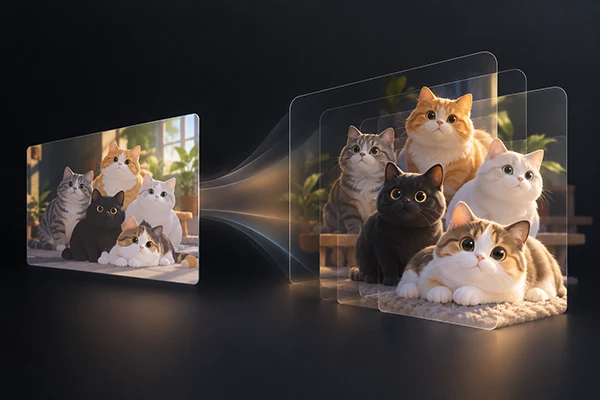
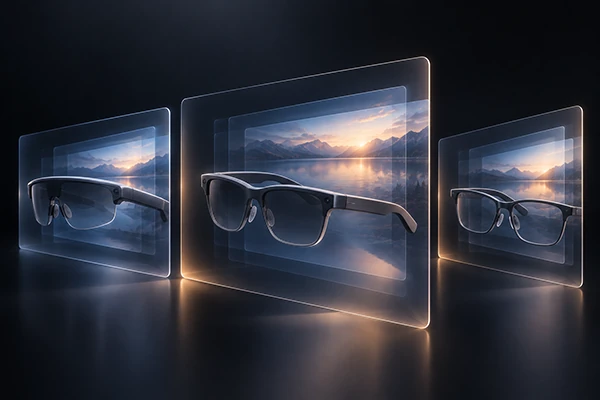
AI turns any still image or video into realistic, immersive Side-by-Side (3D SBS) in real time for your AR/XR glasses

Let's get started.
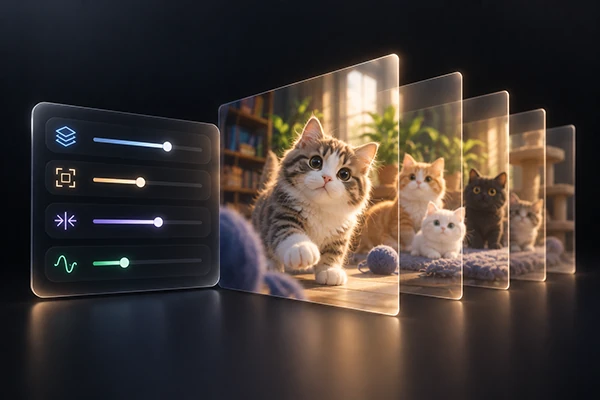
Control everything, right at your fingertips.
Everything you need for immersive 3D


Know every part
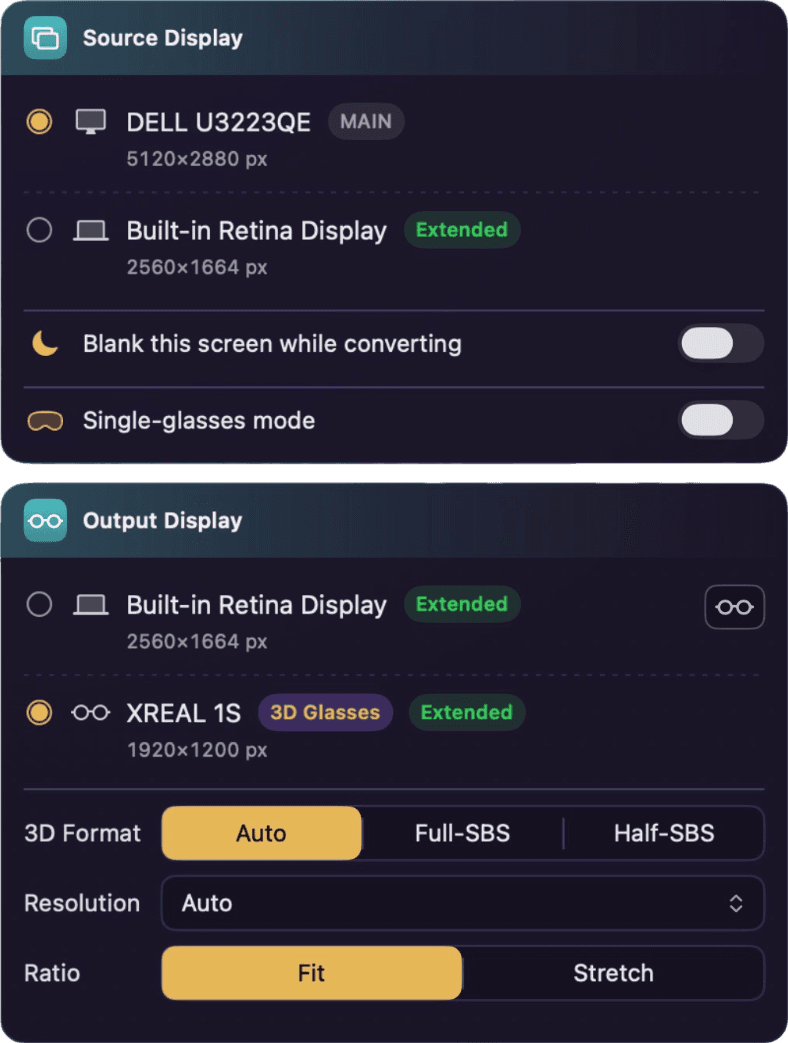
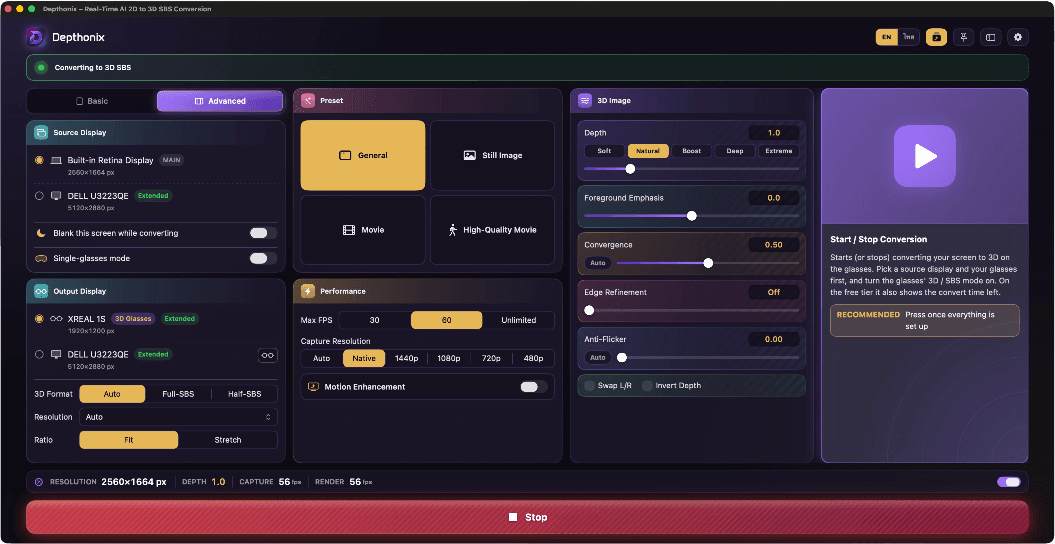
Source & output
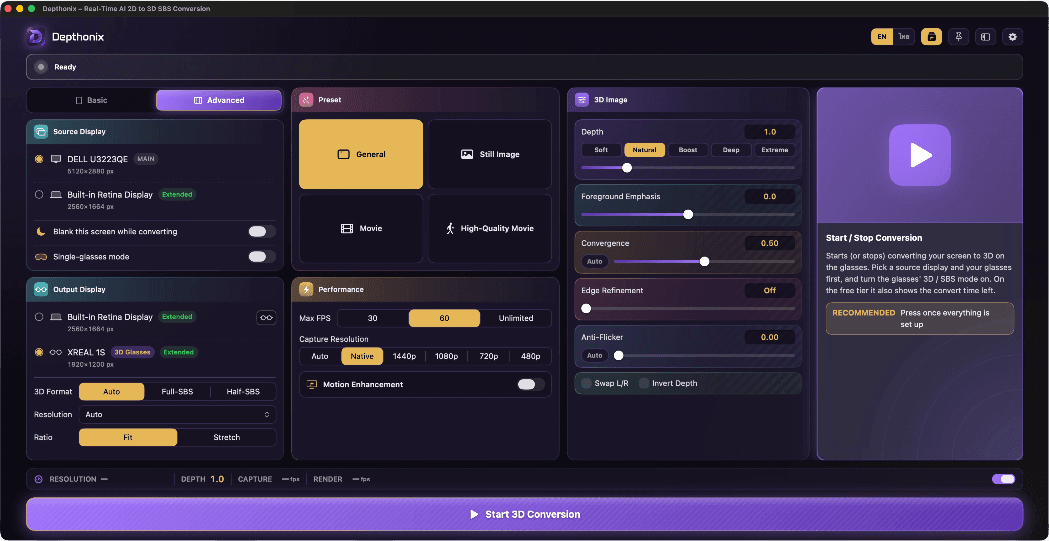
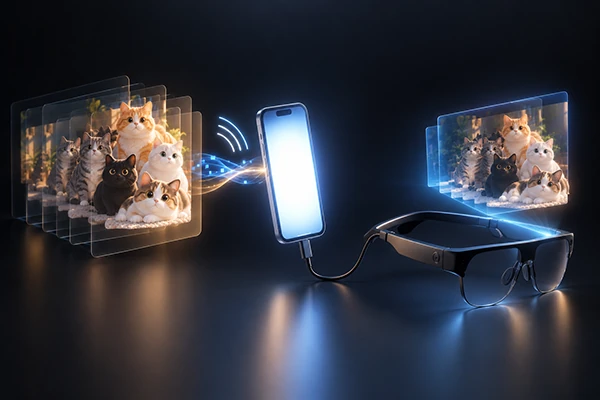
Your displays and glasses are auto-detected, each with its resolution — just tap to pick the source and the output. Choose the 3D format, plus a Resolution picker and a ratio option — along with the Blank-screen-while-converting feature, Single-glasses mode, and Remote Screen, which sends the 3D picture from the computer wirelessly to a smartphone with the AR/XR glasses connected.
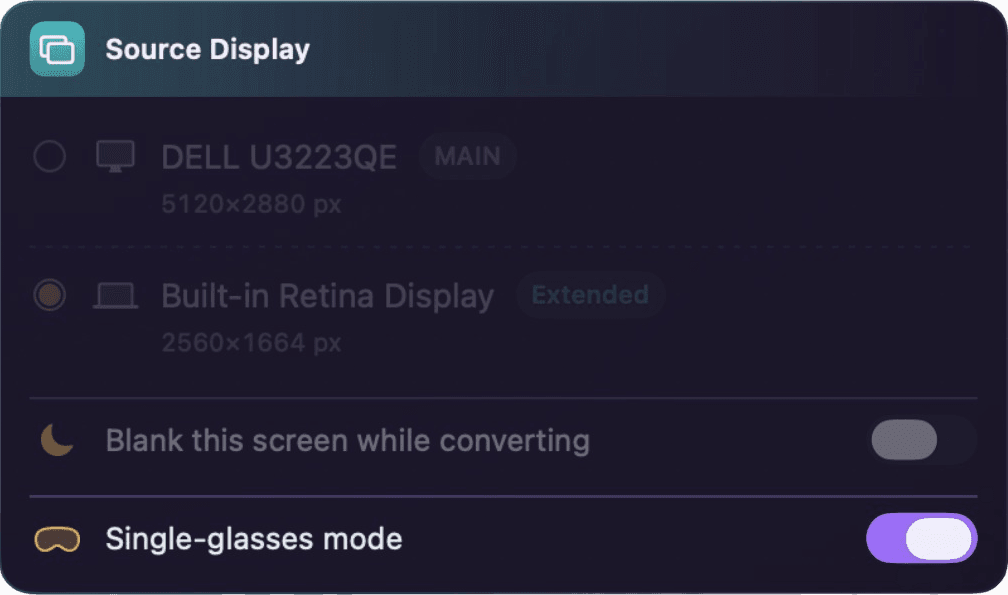
Single-glasses mode
Only have the glasses? No separate monitor needed — turn on Single-glasses mode and the glasses become both the source and the output: your desktop moves to a working screen shown inside the glasses, converted to 3D in real time.
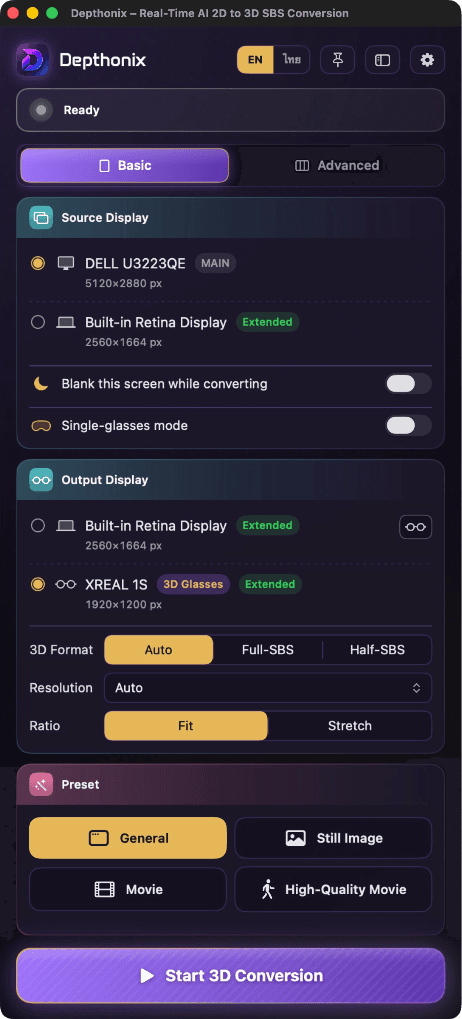
Basic & Advanced modes
Start simple: Basic mode shows just the essentials — pick your displays, choose a preset and press Start. Switch to Advanced anytime for the full control panel with every control.
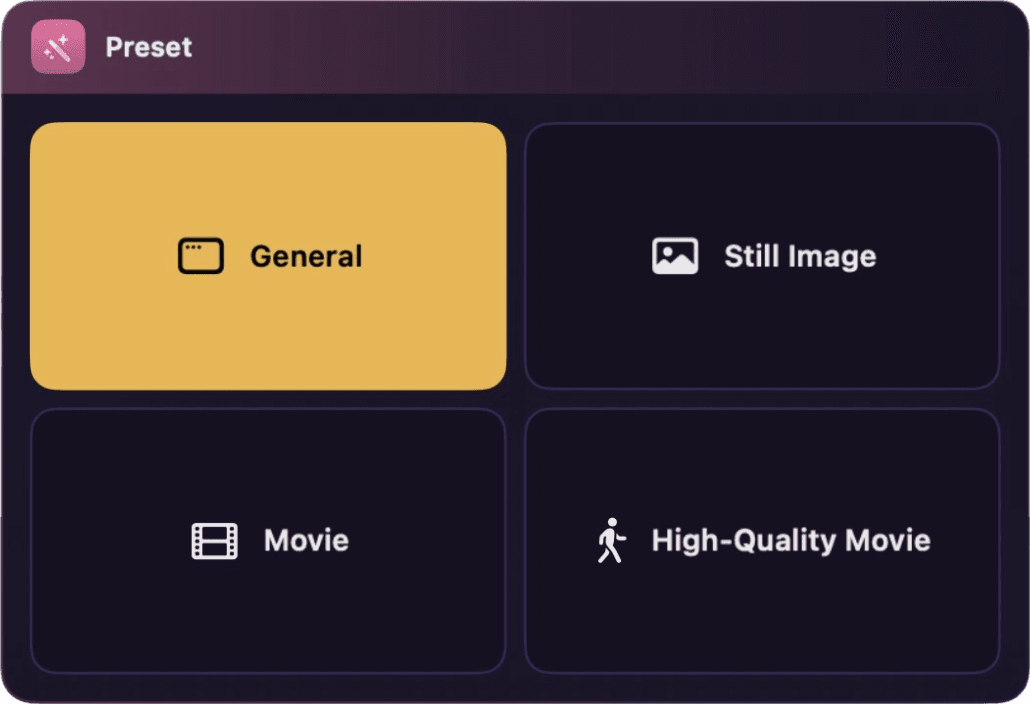
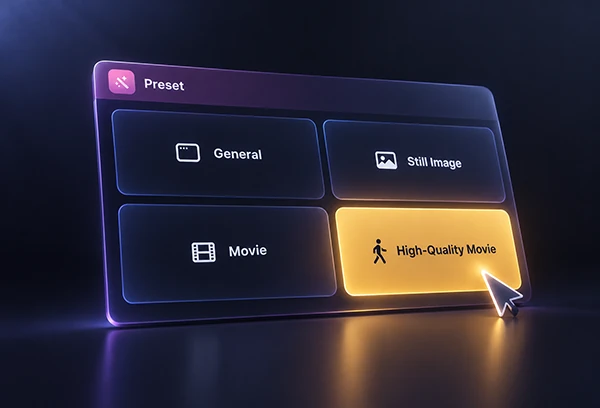
One-tap presets
Four scene presets — General, Still Image, Movie and High-Quality Movie — set depth, frame rate and the rest in a single tap, tuned for what you're watching.
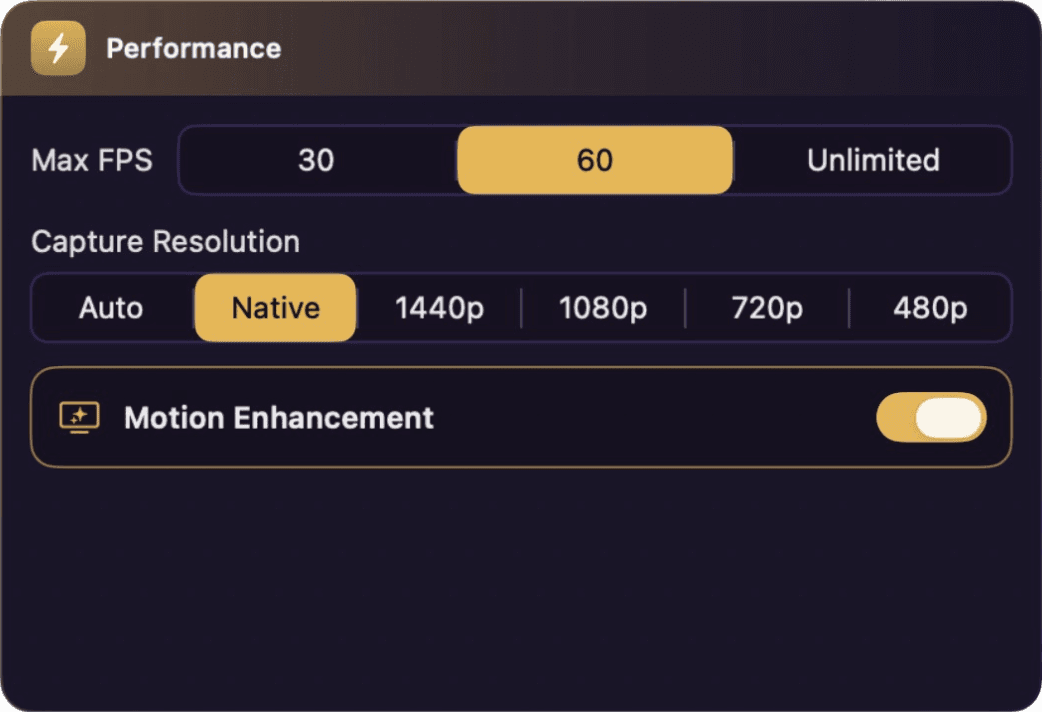
Performance controls
Choose from three Performance Mode levels to suit your machine's resources, and set the FPS ceiling and capture resolution you want — turn on Motion Enhancement for higher-quality 3D motion.
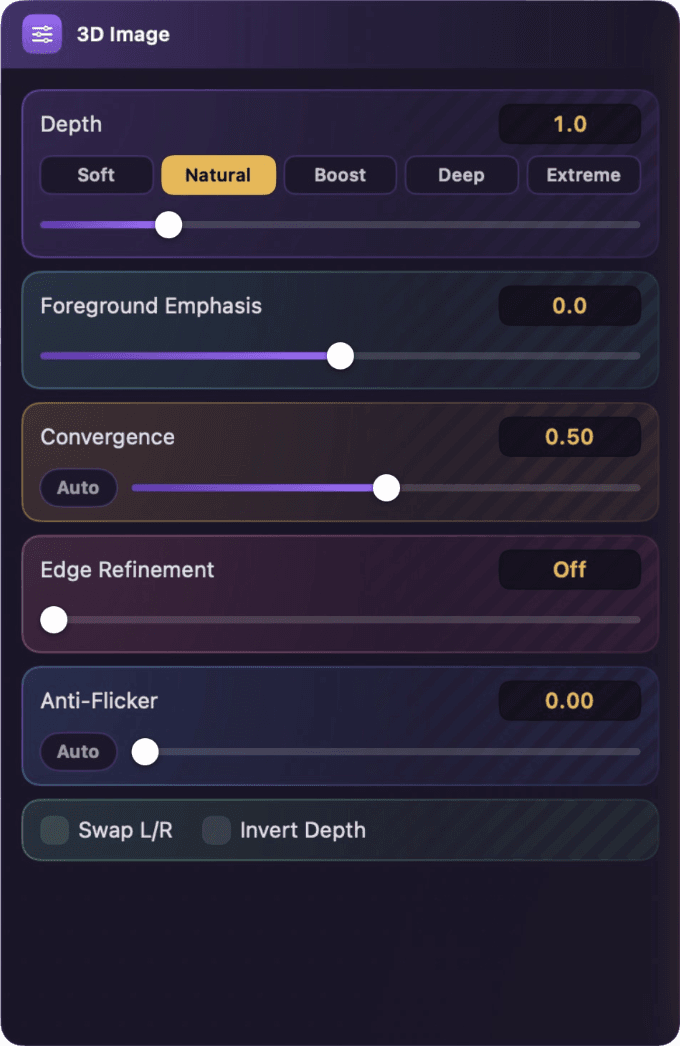
3D & depth
Dial Depth from Soft to Extreme, pull near subjects forward with Foreground Emphasis, set the screen-plane Convergence, sharpen outlines with Edge Refinement, and cut flicker with Anti-Flicker — Plus Swap L/R and Invert Depth toggles.

Live monitoring
Watch the Capture and Render fps live on the monitor strip at the bottom of the panel, alongside the current Depth level and the Capture resolution — so you always know how the conversion is running.
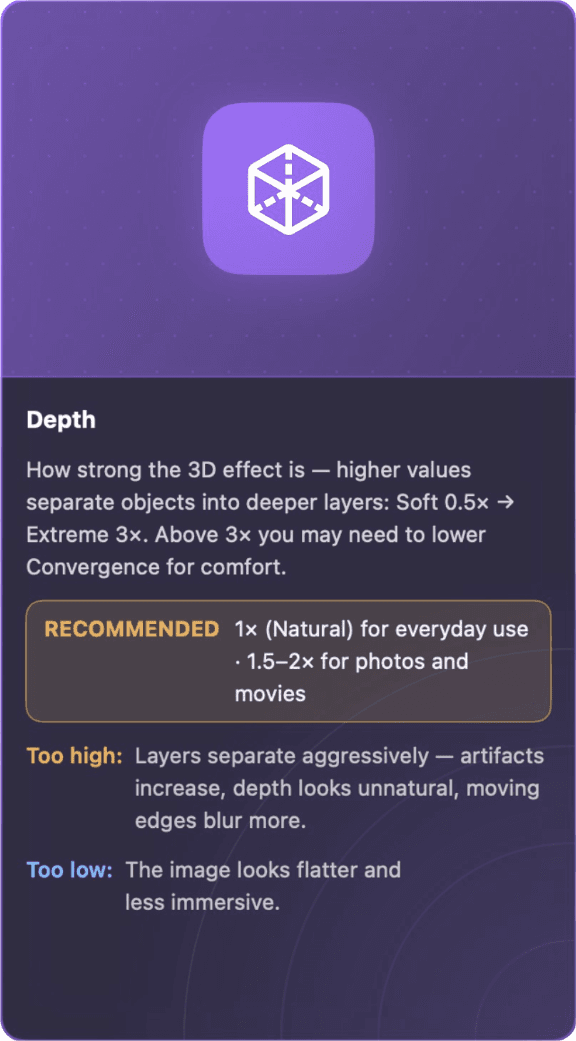
Guide Dialog
Want tips for tuning the app's settings? Press the Guide Dialog button and the guidance panel appears in Advanced mode — point at any control to see its setting tips.
Compact sidebar
Collapse the panel into a slim icon rail — reach every setting without covering your screen. It rotates to a horizontal bar too.
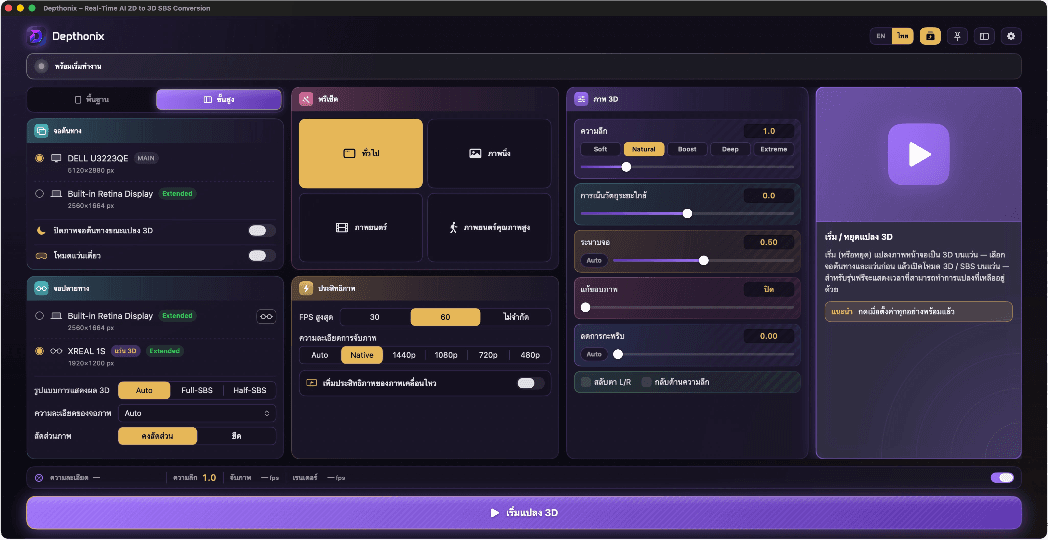
English & Thai
The entire interface is available in both English and Thai — switch languages anytime with a single click.

Real depth.In real time.On your AR/XR glasses.
Pay once, own it forever
- One-time payment, yours forever
- Ongoing feature updates & fixes
- Full depth range & all presets
- Automatic comfort adjustments
- 1 account / 1 device (unlimited device transfers)
Recommended specs


- ✓Apple Silicon (M2 or later)
- ✓macOS 14 Sonoma or newer
- ✓8 GB RAM or more
- ✓Glasses connected directly via USB-C / Thunderbolt (or stream the picture to an Android smartphone with USB-C DisplayPort Alt Mode via the Remote Screen feature if your machine cannot drive the glasses directly)
- ✓Any AR/XR glasses supporting SBS mode


- ✓Windows 10 (64-bit) version 2004 or newer, or Windows 11
- ✓NVIDIA or AMD GPU with at least 4 GB VRAM (for iGPU: AMD Radeon 890M / Ryzen Z2 Extreme or newer, or Intel Arc, with at least 4 GB shared memory recommended)
- ✓8 GB RAM or more (16 GB recommended if system RAM is shared with an onboard GPU)
- ✓USB-C (DP alt-mode), DisplayPort, or HDMI 2.0 or newer (or stream the picture to an Android smartphone with USB-C DisplayPort Alt Mode via the Remote Screen feature if your machine cannot drive the glasses directly)
- ✓Any AR/XR glasses supporting SBS mode
Check which AR/XR glasses models have already been tested.
See tested models ›